You publish a page, submit your sitemap, and then check Google Search Console…
…and there it is:
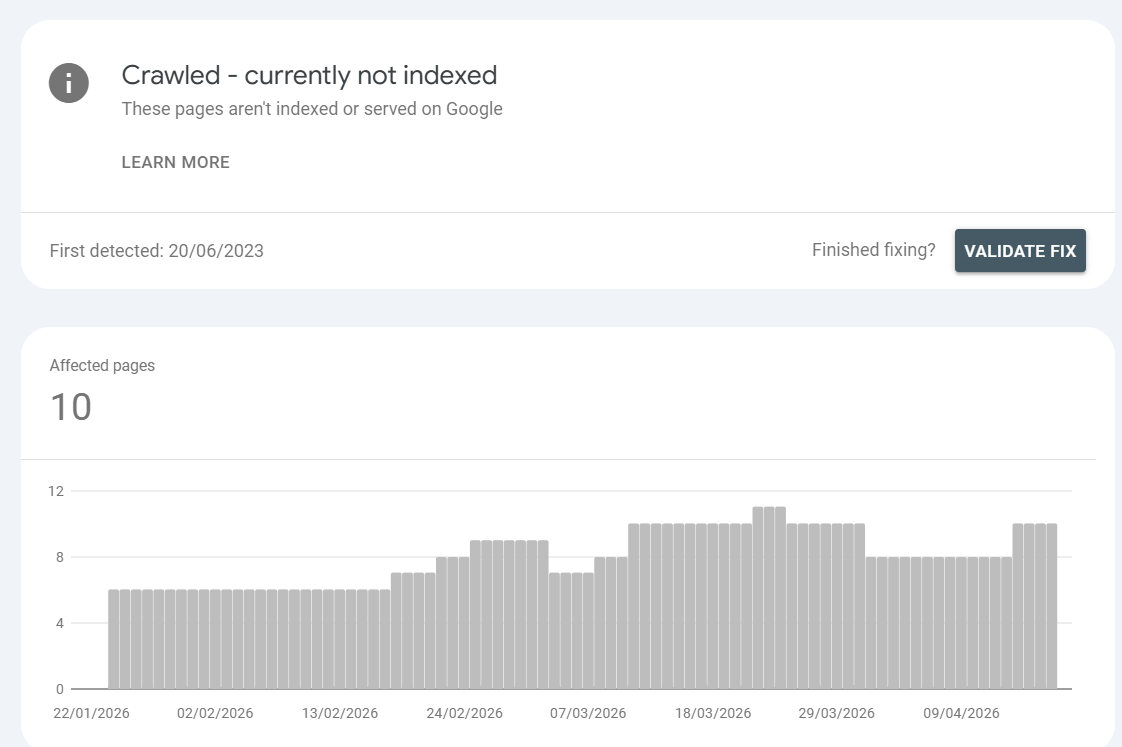
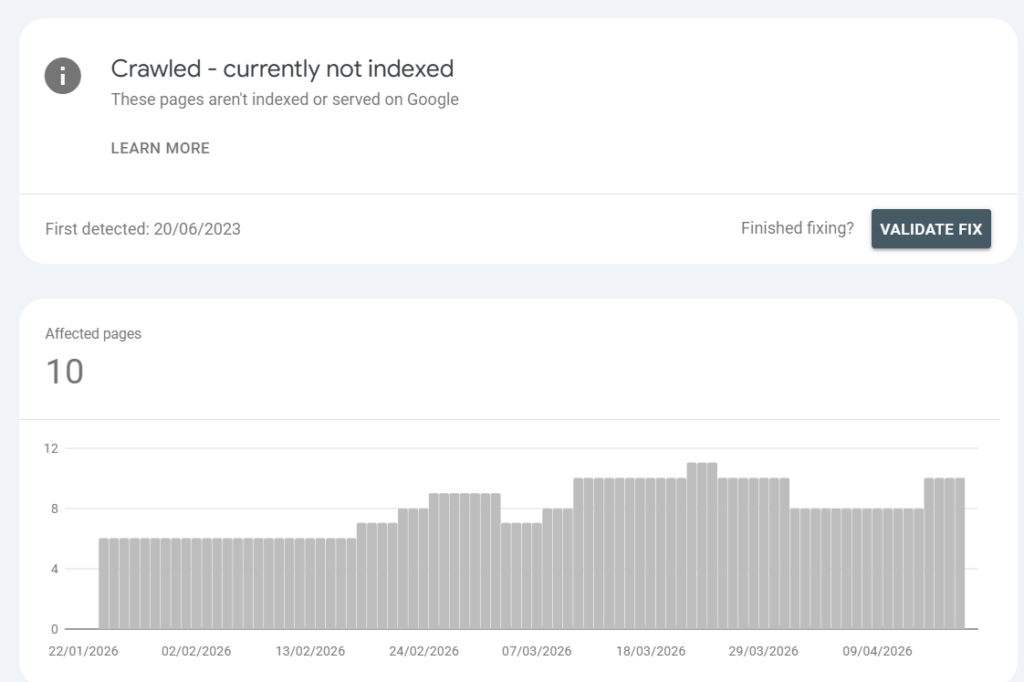
“Crawled – Currently Not Indexed.”
No errors. No warnings. Still, your page isn’t showing on Google.
Frustrating, right?
If you’ve been searching “crawled currently not indexed fix” or “why page is crawled but not indexed”, this guide will give you clear answers- without confusing SEO jargon.
What Does “Crawled – Currently Not Indexed” Mean?
In simple terms:
Google has visited your page (crawled it)
But decided not to include it in search results (not indexed)
That’s it.
It doesn’t mean your page is broken.
It just means Google didn’t find it valuable enough right now to show in search.
Crawling vs Indexing (Quick Clarity)
A lot of confusion comes from this:
Crawling = Google discovers and visits your page
Indexing = Google stores your page and shows it in search results
Just because a page is crawled doesn’t mean it will be indexed.
Should You Worry About It?
It’s normal if:
Your website is new
The page was published recently
Your site has low authority
It’s a problem if:
Important pages are stuck for weeks
Your content is high-quality but still not indexed
Real Reasons Why Your Page Is Crawled But Not Indexed
Let’s get into what actually causes this.
1. Thin or Low-Value Content
If your content doesn’t add anything new or useful, Google may skip indexing it.
Example:
- Short blogs
- Rewritten content
- No clear value for users
2. Duplicate or Similar Content
If multiple pages on your site are saying the same thing, Google gets confused.
Result?
It may ignore some pages completely.
3. Weak Internal Linking
If no important page links to your new page, Google treats it as low priority.
Think of it like:
“No one on your site is recommending this page.”
4. Low Website Authority
New or weak websites often face this.
Google doesn’t rush to index every page from low-authority sites.
5. Crawl Prioritization
Google doesn’t index everything it crawls.
It chooses:
- What’s important
- What deserves to be shown
Your page might simply be low on priority.
6. Technical Signals (Often Ignored)
Sometimes the issue is hidden:
- Noindex tag accidentally added
- Wrong canonical tag
- Poor page structure
Crawled Currently Not Indexed Fix (Step-by-Step)
Now the part you actually care about.
Step 1: Improve Content Quality
Ask yourself:
- Does this page solve a real problem?
- Is it better than existing content?
Add:
- Examples
- explanations
- Updated information
Step 2: Strengthen Internal Linking
Link your page from:
- Existing indexed blogs
- High-traffic pages
This tells Google:
“This page matters.”
Step 3: Remove Duplicate Signals
- Avoid similar pages targeting same keyword
- Use canonical tags correctly
Step 4: Update & Refresh the Page
Sometimes small updates help:
- Rewrite sections
- Add new headings
- Improve structure
Step 5: Use “Request Indexing” (Smartly)
Inside Google Search Console, you can request indexing.
But remember:
- It’s not a magic button
- Works better after improvements
Step 6: Build Authority
Long-term fix:
- Get backlinks
- Stay consistent with content
- Build topical authority
Common Myths You Should Ignore
Let’s clear this up:
- Submitting and following best sitemap practices guarantees indexing
- Request indexing = instant results
- Every page must be indexed
Truth: Google decides what deserves to be indexed.
Crawled vs Discovered – Currently Not Indexed
Quick difference:
Crawled – Currently Not Indexed
→ Google visited but didn’t index
Discovered – Currently Not Indexed
→ Google knows the page exists but hasn’t visited yet
Quick Checklist
Before you panic, check this:
- Is your content valuable?
- Is it internally linked?
- Any duplicate content?
- Any technical SEO issues?
- Have you given it enough time?
Final Thoughts
Seeing “crawled currently not indexed” is common.
- It’s not a penalty.
- It’s not a failure.
It just means:
Google is not convinced yet.
Focus on:
- Better content
- Strong internal linking
- Consistency
…and indexing will follow.
