Google has rolled out another spam update, and if you noticed changes in your website’s rankings or organic traffic around August 18, 2026, you may be wondering what happened. The Google August 2026 Spam Update started rolling out on August 18 and was completed on August 21, affecting Google Search globally and across all languages. But there’s an important detail: Google has not shared specific information about which spam practices this update targeted. In this guide, we’ll look at what Google has confirmed, what the update could mean for your website, how to check whether your site was affected, and what you should do next.
- What Is the Google August 2026 Spam Update?
- When Did the Google August 2026 Spam Update Roll Out?
- What Did Google Say About the August 2026 Spam Update?
- What Does the August 2026 Spam Update Mean for Your Website?
- How to Check If Your Website Was Affected by the August 2026 Spam Update
- What Should You Do If Your Rankings Dropped?
- Final Takeaway
What Is the Google August 2026 Spam Update?
A Google spam update is a change to the systems Google uses to detect and handle spam in its search results. Unlike a typical core update, a spam update is specifically related to Google’s efforts to identify websites or practices that violate its spam policies.
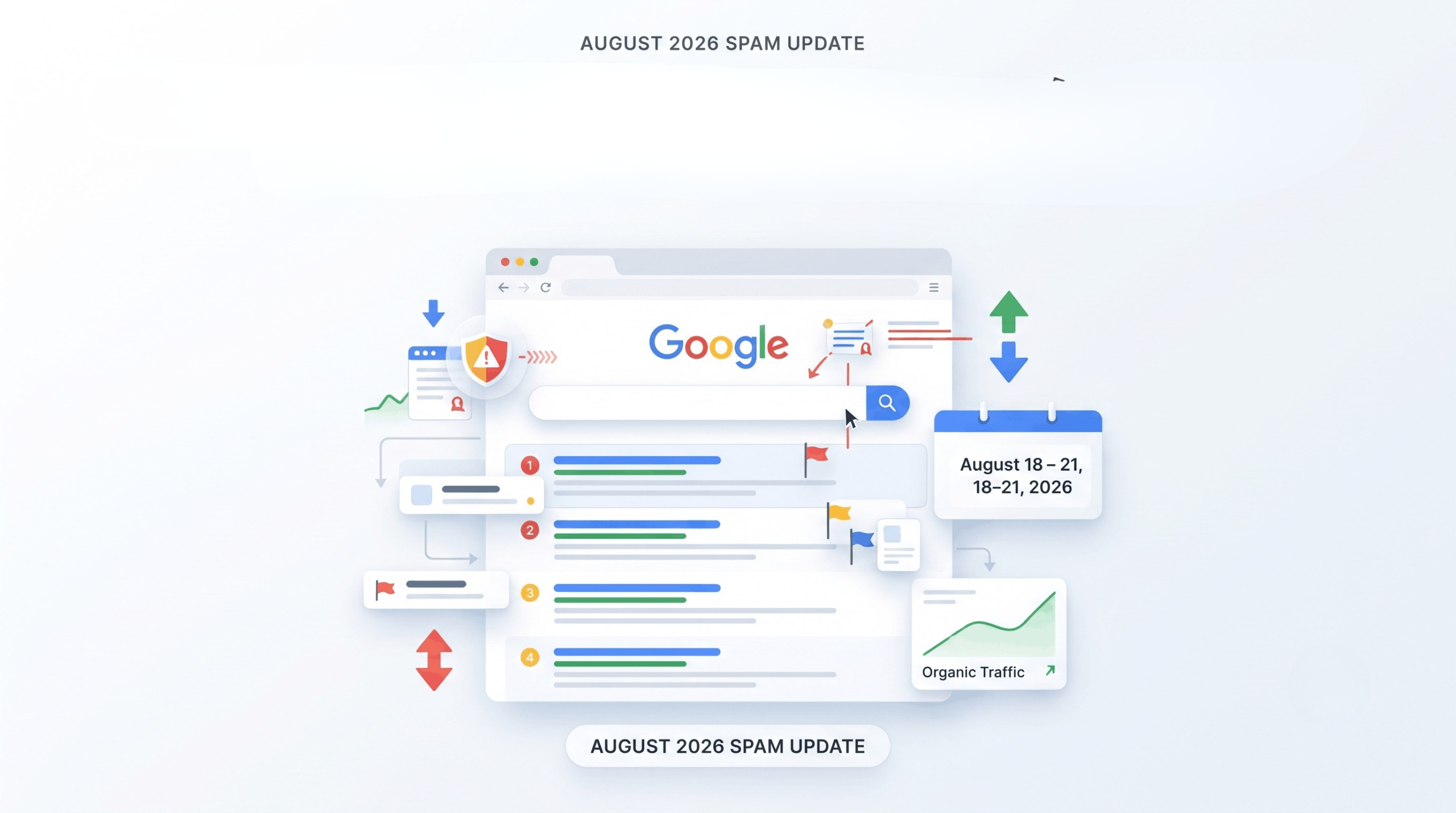
The August 2026 Spam Update began on August 18, 2026, and was completed on August 21, 2026. Google confirmed that the update applied globally and across all languages, with the Search Status Dashboard listing ranking as the affected area.
However, there’s an important point to keep in mind: Google has not said that this update was specifically aimed at one particular type of spam, such as AI-generated content, link spam, or scaled content. So if your rankings changed during the rollout, it’s better to investigate the data before assuming that a specific SEO practice caused the change.
When Did the Google August 2026 Spam Update Roll Out?
Google officially released the August 2026 Spam Update on August 18, 2026. The rollout was completed on August 21, 2026, meaning the update took about two days and 16 hours to finish. Google also confirmed that the update applied globally and across all languages.
For website owners, these dates are useful when reviewing changes in organic traffic and rankings. If you noticed a significant change between August 18 and August 21, it is worth investigating whether the timing lines up with the update. However, timing alone does not prove that the spam update caused the change.
August 2026 Spam Update timeline:
- August 18: Google began rolling out the update.
- August 18–21: The update was rolling out across Google Search.
- August 21: Google confirmed that the rollout was complete.
The next question is the important one: what did Google actually say about this update, and did it identify what the update was targeting?
What Did Google Say About the August 2026 Spam Update?
The most important thing to understand about this update is that Google has shared very limited details. Google confirmed that the August 2026 Spam Update was released on August 18, applied globally and across all languages, and was completed on August 21. However, Google did not publish a detailed explanation of which specific spam practices or types of websites were targeted.
That means SEOs and website owners should be careful with claims that the update was specifically targeting AI-generated content, link spam, scaled content, or another individual tactic. Those practices are covered by Google’s existing spam policies, but that doesn’t mean Google confirmed that any one of them was the focus of this particular rollout.
For now, the safest approach is to separate what Google has confirmed from what the SEO community is observing or assuming. This is especially important when deciding whether a ranking or traffic change on your website is actually connected to the August update.
What Does the August 2026 Spam Update Mean for Your Website?
The completion of the August 2026 Spam Update does not automatically mean that every website should expect a ranking change. Google describes spam updates as improvements to its automated systems for detecting search spam, and websites that violate its spam policies may see their rankings reduced or their pages removed from Search.
For website owners, the practical takeaway is simple: if your rankings or organic traffic changed around the August 18–21 rollout, investigate the change rather than immediately assuming you were penalized. Look at which pages and search queries were affected, compare your Search Console data with the period before the rollout, and check whether the change was site-wide or limited to certain pages.
It is also important to remember that the end of the rollout does not mean Google has identified every affected site or that recovery happens immediately. Google says its spam-detection systems operate continuously, while notable improvements are announced as spam updates.
So, rather than asking only “Did the August Spam Update hurt my rankings?”, a better question is: “What changed, and does my website follow Google’s current spam policies?”
That distinction will help you avoid making unnecessary SEO changes based on a temporary ranking fluctuation or an assumption about what Google changed.
How to Check If Your Website Was Affected by the August 2026 Spam Update
If your website experienced a drop in rankings or organic traffic around the August 18–21 rollout, don’t assume the update is automatically responsible. The August 2026 Spam Update was a ranking-related update, but Google did not provide a list of specific sites or spam practices it targeted.
Instead, start by looking at your own data.
1. Check Google Search Console
Open the Performance report and compare your:
- Clicks
- Impressions
- Average position
- Search queries
- Top-performing pages
Look for noticeable changes beginning around August 18, when the rollout started.
2. Compare Before and After the Rollout
Don’t rely on a single day’s traffic. Compare the period around the update with the weeks before it.
For example, you could compare:
- Before: August 4–17
- During rollout: August 18–21
- After rollout: August 22 onward
This can help you determine whether the change was temporary or continued after Google completed the rollout.
3. Check Which Pages Were Affected
A site-wide decline tells a different story from a drop affecting only a few URLs.
If only certain pages lost visibility, examine those pages more closely. Look at their content, search intent, backlinks, internal links, and overall usefulness rather than immediately making changes across your entire website.
4. Check for a Manual Action
A manual action is different from an algorithmic update. If Google has taken a manual action against your site, you should be able to find information about it in the Manual Actions section of Google Search Console.
If there is no manual action, that does not prove that your site was unaffected by an algorithmic change—but it does give you one less issue to investigate.
5. Don’t Ignore Other Possible Causes
A ranking change during a Google update doesn’t automatically mean the update caused it. Technical issues, indexing changes, content changes, competitor activity, search demand, and other ranking changes can also affect organic performance.
The goal is to find a pattern in your data before deciding what needs fixing.
What Should You Do If Your Rankings Dropped?
If your website lost rankings or organic traffic around the August 2026 Spam Update, avoid making major changes based on the timing alone. Google confirmed that the update affected ranking and rolled out globally from August 18 to August 21, but it did not identify a specific spam practice as the focus of the update.
Instead, work through the following steps:
1. Confirm the drop first
Check Google Search Console and compare your performance before, during, and after the rollout. Look at clicks, impressions, average position, queries, and affected pages.
A small fluctuation is not necessarily a sign of a problem. Look for a clear and sustained change.
2. Find out what actually changed
Don’t look only at total organic traffic. Identify:
- Which pages lost visibility?
- Which search queries declined?
- Did impressions fall along with clicks?
- Did your average position change significantly?
- Was the decline site-wide or limited to specific pages?
This can help you understand whether you’re dealing with a broader ranking change or a problem affecting particular areas of the site.
3. Review your website against Google’s spam policies
If the data shows a meaningful decline, review your SEO practices and content against Google’s current spam policies. Look for practices that could be considered manipulative, deceptive, or primarily designed to influence rankings rather than help users.
This is where areas such as scaled content abuse, link spam, keyword stuffing, scraped content, and site reputation abuse may be worth reviewing—but don’t assume that any one of these was specifically targeted by the August update.
4. Check for manual actions
Open the Manual Actions report in Google Search Console. A manual action is separate from an algorithmic update and requires a different response.
If you have a manual action, follow Google’s instructions to address the reported issue rather than treating it as a normal ranking fluctuation.
5. Fix genuine problems—not the algorithm
Once you’ve identified a real issue, improve the affected pages and remove practices that violate Google’s policies. Avoid making changes simply because you saw a ranking drop.
The goal isn’t to “beat” the August 2026 Spam Update. It’s to make sure your website follows Google’s guidelines and provides useful, trustworthy content for people.
6. Keep monitoring after the rollout
The update itself finished on August 21, but that doesn’t mean you should expect rankings to immediately return to their previous positions. Continue monitoring Search Console and your analytics data over the following weeks.
Most importantly, don’t treat every ranking drop as a Google penalty. First identify the pattern, investigate the likely cause, and then make targeted improvements.
Final Takeaway
The Google August 2026 Spam Update may have caused noticeable changes in search visibility for some websites, but Google has not provided enough detail to say that a particular spam tactic was responsible for those changes.
If your rankings or organic traffic changed during the rollout, start with the data. Check Google Search Console, identify the pages and queries that changed, and review your website against Google’s current spam policies before making major SEO changes.
The best response to any spam update is not to chase the latest SEO theory. Focus on useful content, follow Google’s guidelines, avoid manipulative practices, and make changes based on evidence rather than assumptions.
As Google continues to improve its spam-detection systems, sustainable SEO remains a safer long-term strategy than trying to find shortcuts around its ranking systems.
